In Action
See the Platform
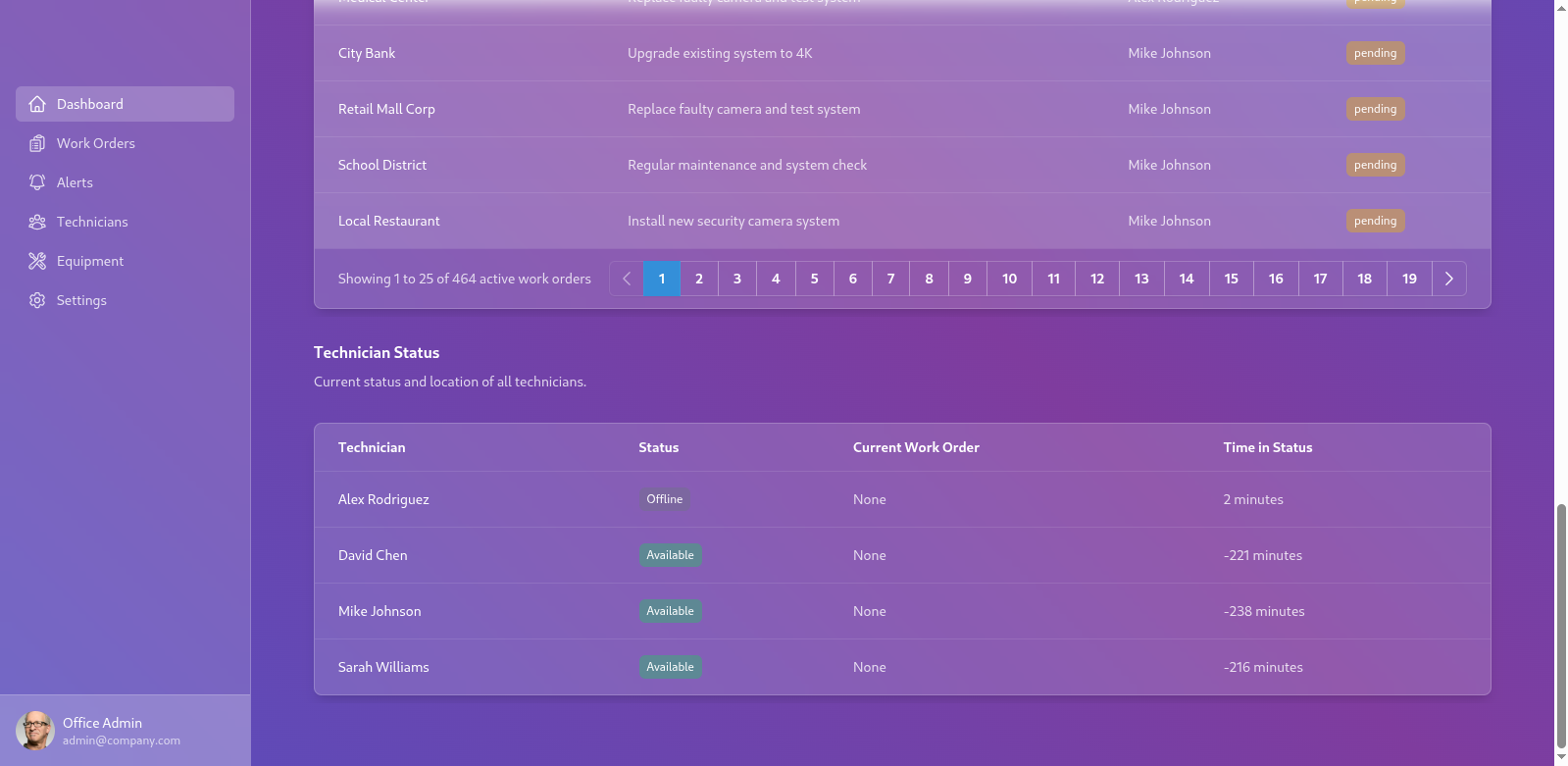
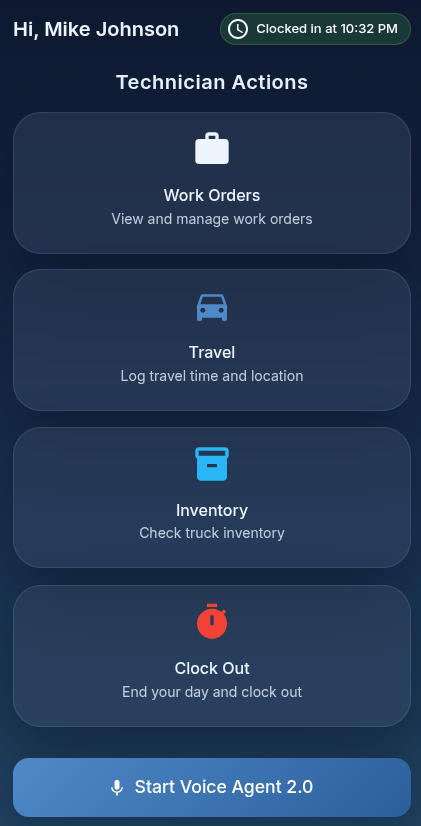
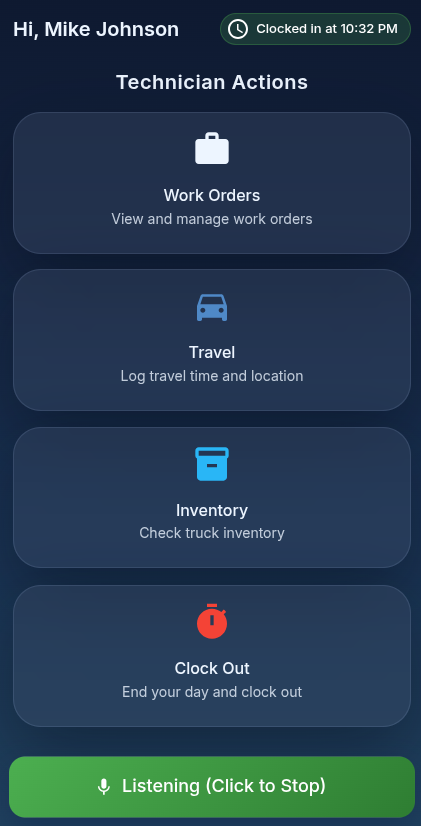
Office dashboard on desktop. Technician actions on mobile. Both connected to the same voice AI backend.
AI Technician Workflow replaces clipboard check-ins, radio calls, and office phone tag with a voice-controlled AI that manages work orders, tracks inventory, and coordinates with the office — while technicians keep their hands on the job.
Modern field service teams are caught between paper processes and screen-based software that wasn't designed for people who work with their hands. They stop jobs to type notes. They radio the office to check inventory. They miss updates because they can't check a screen while driving.
Meanwhile, the office is managing work orders in spreadsheets, chasing technicians for status updates, and losing visibility the moment someone leaves the job site.
The problem isn't the people. It's the interface they have to work through.
Hands busy.
Mind on the job.
Eyes on the road.
AI Technician Workflow puts a voice-controlled AI agent between the technician and every other system. Speak a command — clock in, check work orders, update a job, log parts used — and the platform handles the rest: database updates, office notifications, inventory adjustments, all in one breath.
The office gets a live-updating dashboard without asking. Technicians keep working without stopping to type. The AI enforces the workflow so nothing falls through the cracks.
Entire workflow controlled by voice commands. Clock in, start jobs, update statuses, log notes, check inventory — all without touching a screen.
Full CRUD operations with priority queuing. AI reads pending work orders aloud, coordinates job sequences, and logs completions automatically.
Automatic travel time logging with GPS-validated arrival. AI tracks departure and arrival timestamps for accurate job costing and billing.
Real-time parts and material tracking. AI prompts low-stock alerts at end-of-day and logs all materials consumed per job for accurate invoicing.
Desktop-friendly React dashboard for office staff. View work order statuses, technician locations, inventory levels, and active alerts — live, no refresh needed.
AI-guided day start and end with automatic time logging. End-of-day AI summary reads back completed jobs, travel time, and any flagged issues to the technician.
Office dashboard on desktop. Technician actions on mobile. Both connected to the same voice AI backend.
Technician selects name and truck in the mobile interface, taps "Start Day." AI greets them by name, confirms truck assignment, and reads back the day's work order queue.
AI logs departure time. Upon arrival, technician taps "I Arrived" and AI reads the specific work order details aloud — description, customer notes, special instructions.
During the job, technician speaks notes, parts used, and issues directly to the AI. AI updates the work order in real time and notifies the office of any problems immediately.
Technician says "End Job." AI prompts: Was everything completed? Any equipment issues? Extra materials used? All answers logged automatically. Next job details read aloud.
Technician clicks "End Day." AI reviews the day's work orders, flags inventory shortfalls, and reads back a full day summary before logging clock-out time.
The platform is built for reliability and scale. A Node.js/TypeScript backend handles API routing, WebSocket connections for real-time updates, and AI model integration. A React frontend provides a responsive, role-separated interface — mobile-first for technicians, desktop-optimized for office staff.
All data lives in PostgreSQL with optimized schemas for work orders, technician records, travel logs, and inventory. JWT-based authentication enforces role-based access — technicians and office staff each see exactly what they need.
Role-based access control with time-limited tokens. Technicians, office staff, and admins each have scoped permissions.
Client-side sessions use short-lived tokens. Long-lived credentials are never exposed to the browser or mobile app.
All database changes are logged with actor, action, and timestamp. Full traceability for compliance and debugging.
Automatic reconnection with exponential backoff. Sessions recover gracefully from network interruptions without data loss.
See how AI Technician Workflow can reduce administrative overhead and keep your field teams focused on what matters.