Gallery
See WorkOrder in Action
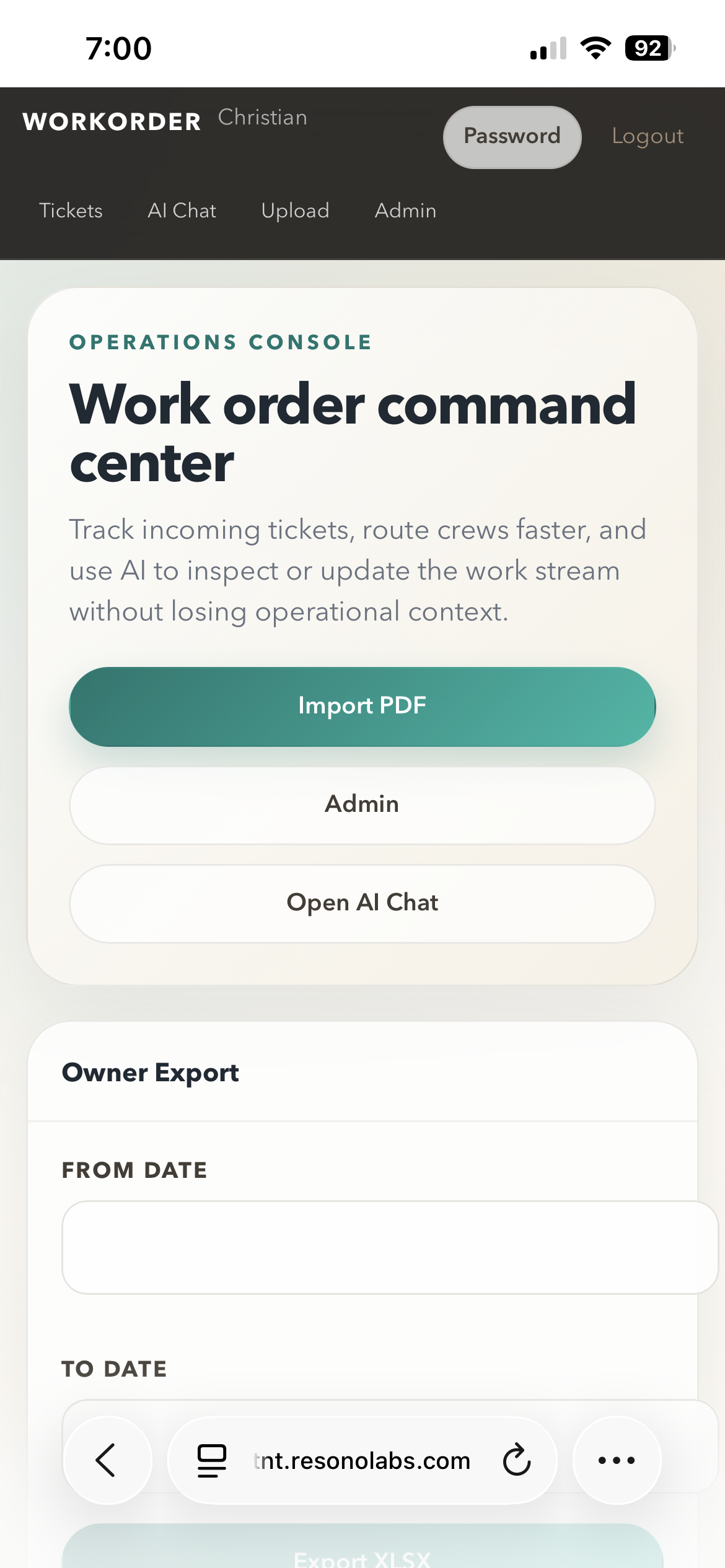
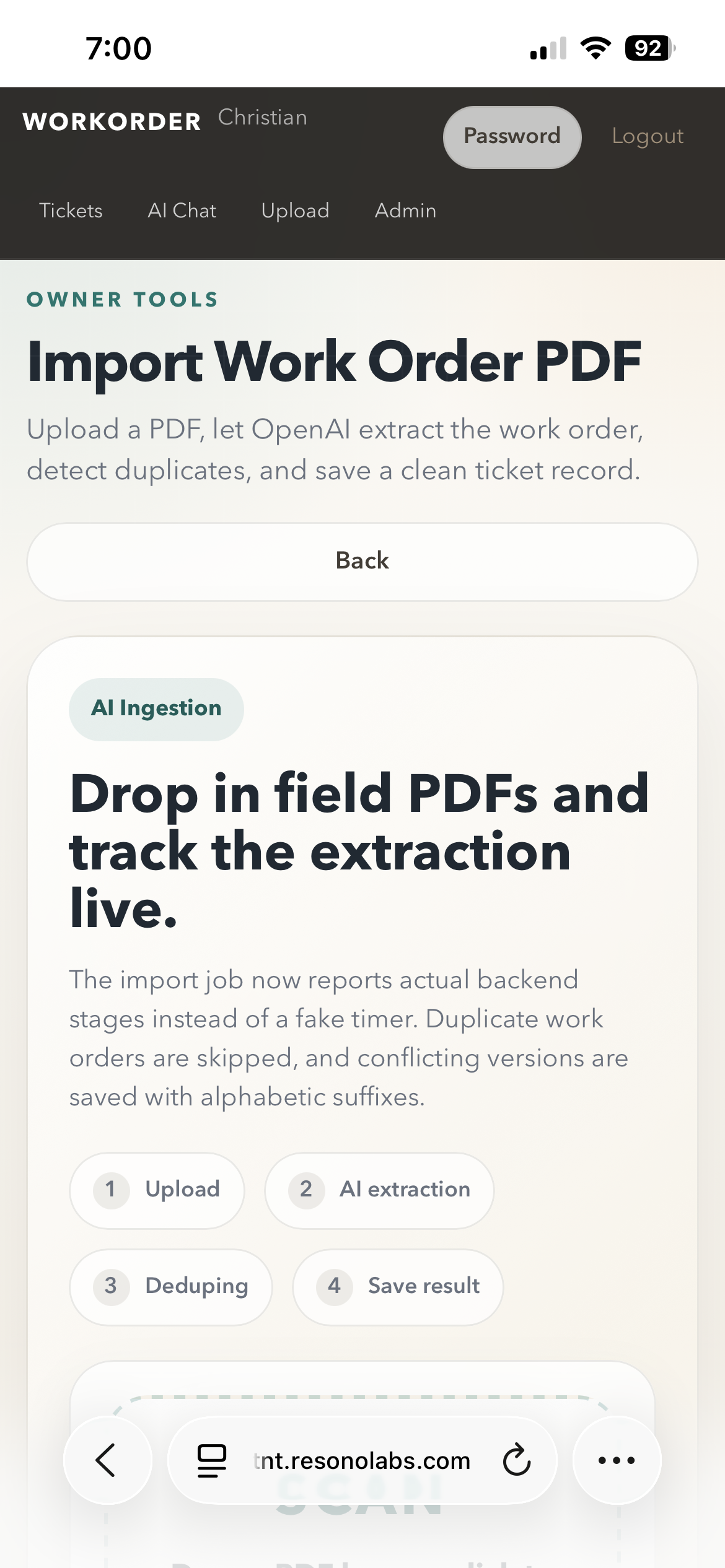
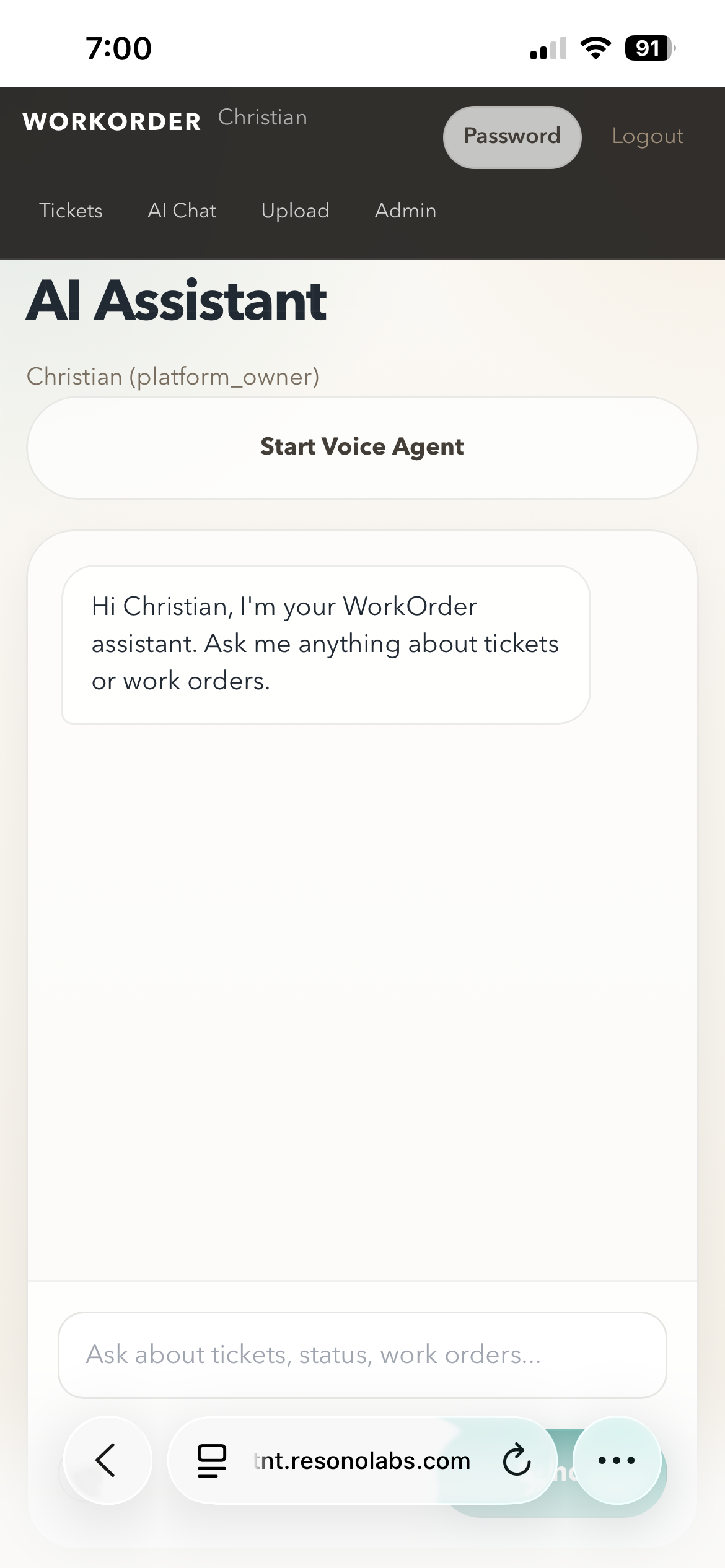
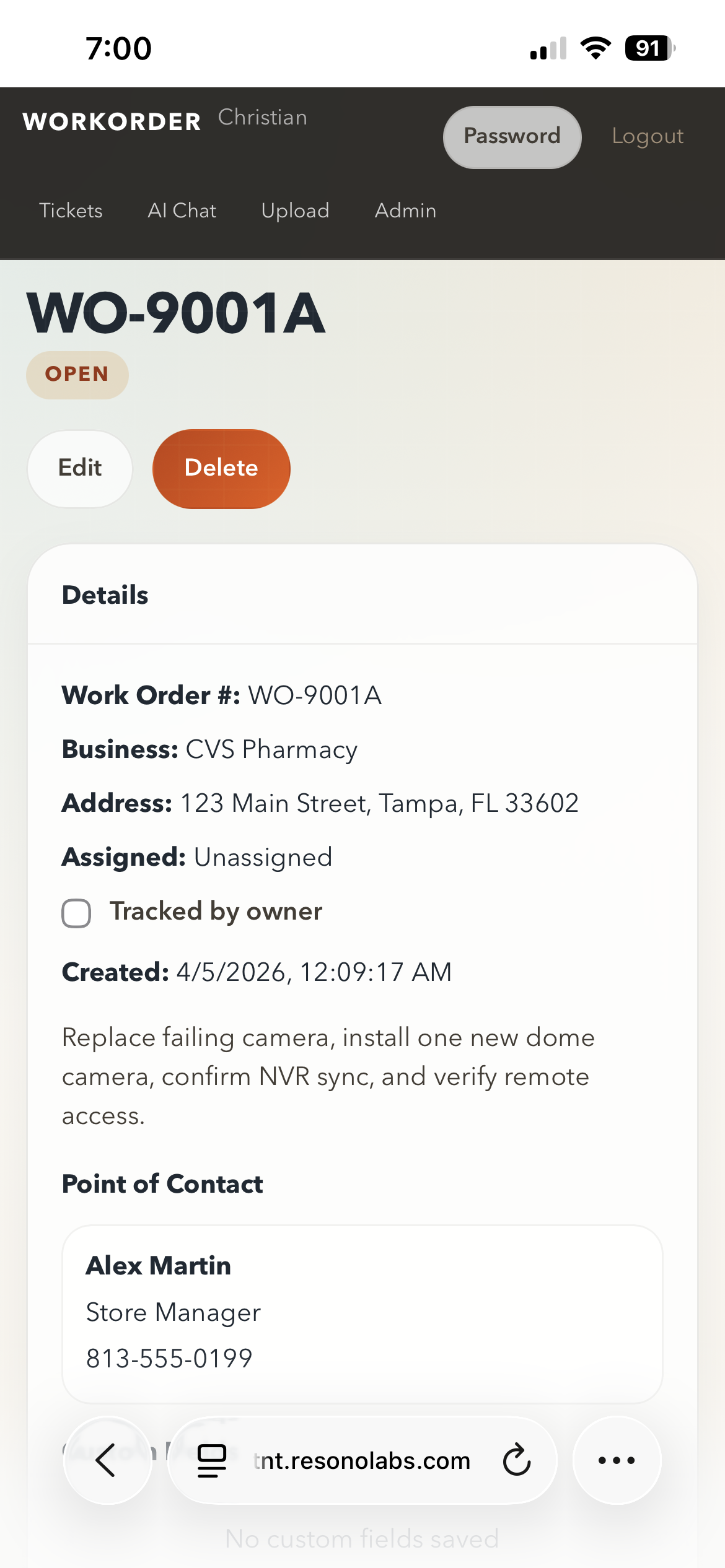
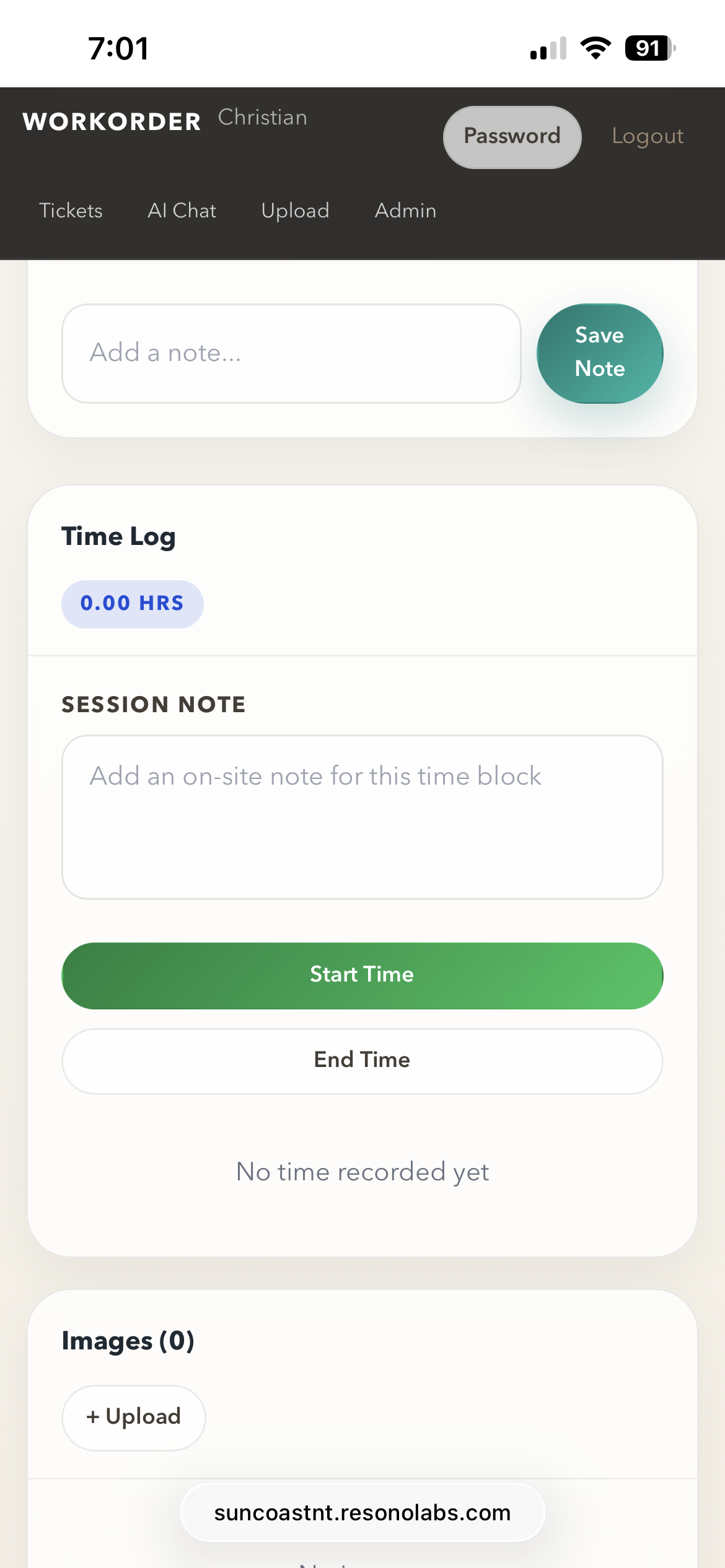
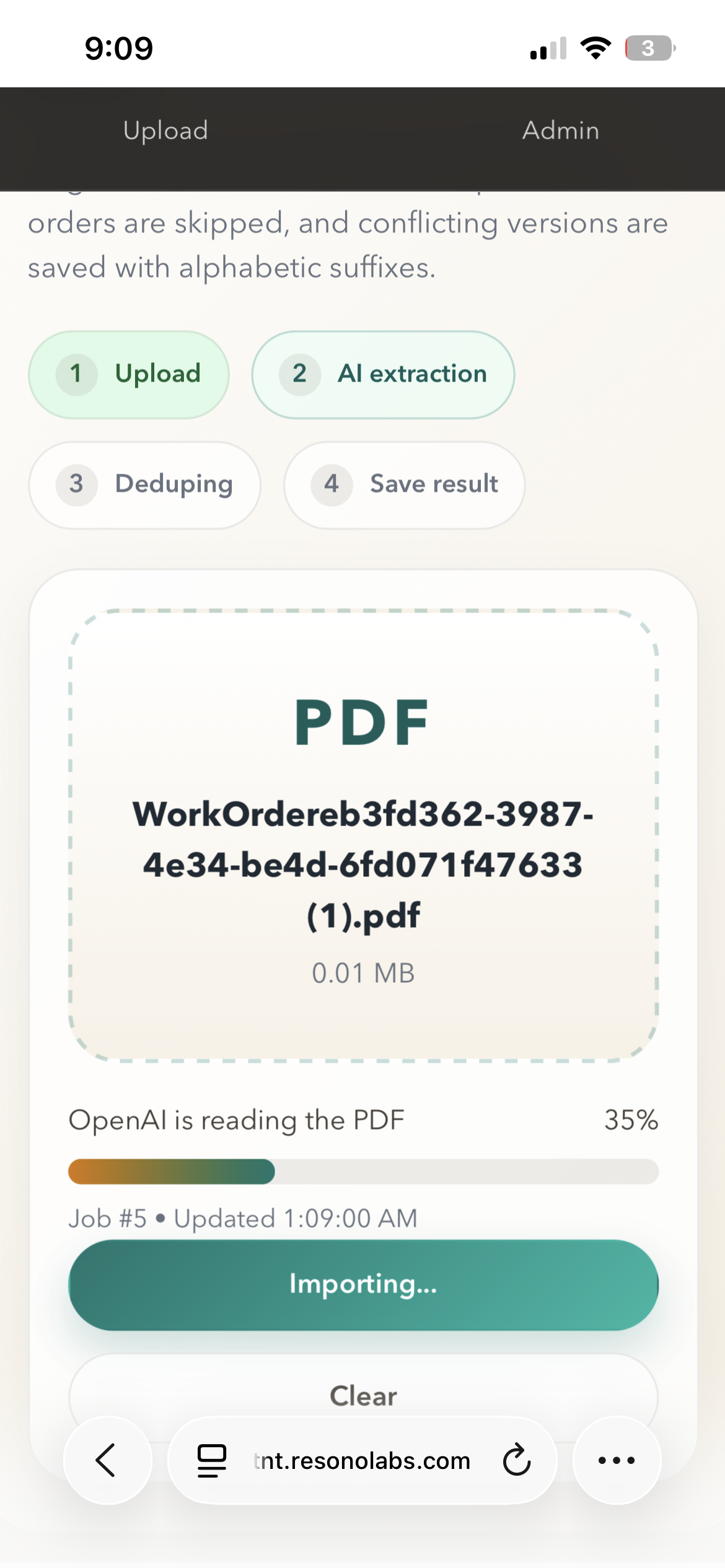
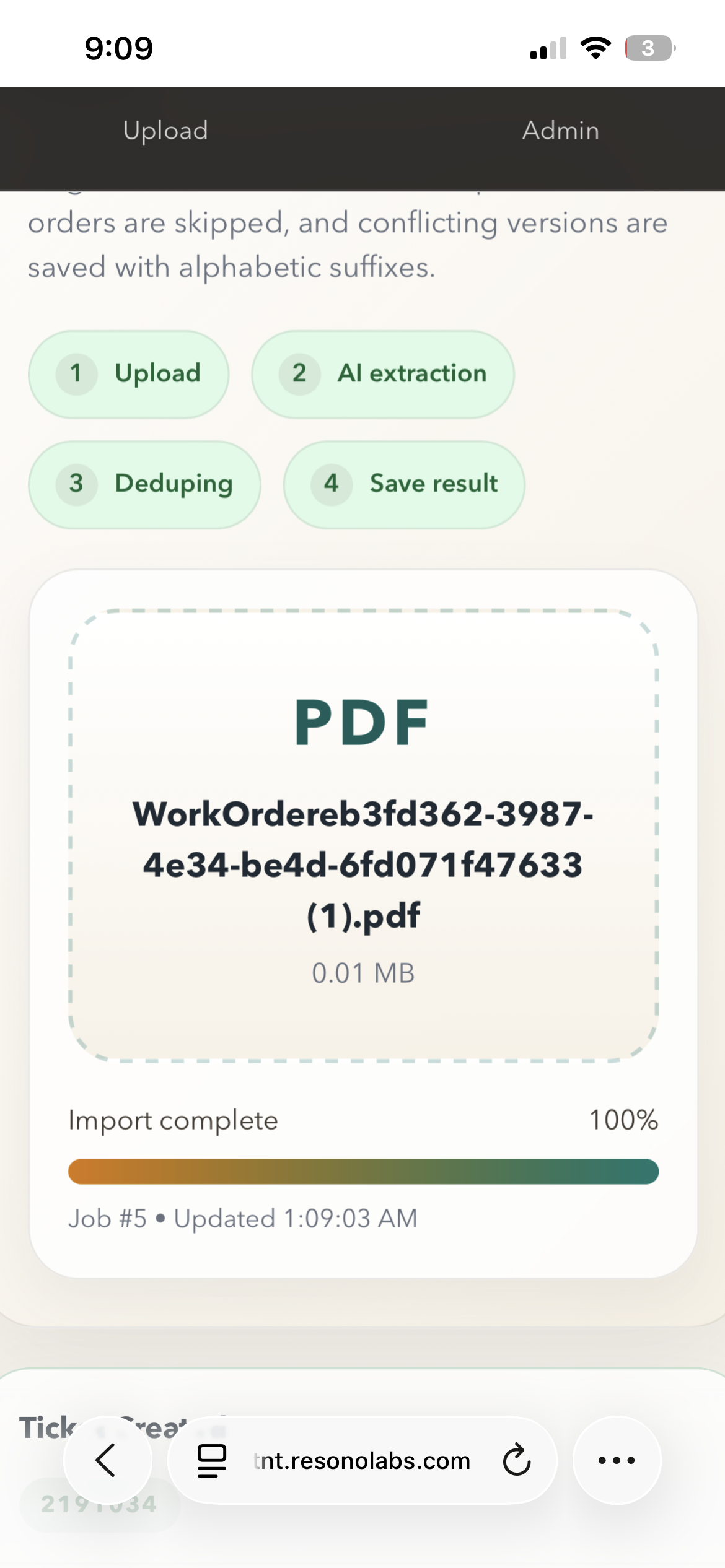
WorkOrder turns PDFs, field updates, photos, notes, time logs, and technician questions into one operational system. It gives teams a structured work order backbone with AI woven directly into ingestion, routing, and day-to-day execution.
Most service teams still bounce between PDFs, spreadsheets, text messages, phone calls, and handwritten notes. Owners need visibility, technicians need speed, and the actual record of work gets scattered across too many places.
WorkOrder brings those pieces together into one operating surface: intake, assignment, notes, photos, time tracking, exports, and AI assistance tied directly to the work itself.
Intake.
Execution.
One operational record.
Upload a work order PDF and let OpenAI extract the structured record, detect duplicates, and create a clean operational ticket without manual re-entry.
Platform owners, business owners, and employees see the right controls for their role, from assignment and exports to day-to-day ticket execution.
Start and stop on-site sessions, attach notes, edit entries when needed, and keep a durable labor record connected to the correct work order.
Attach images, capture internal notes, track points of contact, and preserve the context teams usually lose in side channels.
Technicians can ask an AI assistant about tickets, send images, and interact with the system conversationally instead of digging through menus.
Export work orders, notes, contacts, custom fields, and time totals to XLSX so business owners can reconcile the field record outside the app when needed.
Instead of asking office staff to retype every scanned work order, WorkOrder ingests the PDF directly. The pipeline reports live progress, extracts the important fields, compares against existing records, and either creates the ticket or flags it as a duplicate.
The result is faster intake, cleaner records, and less operational drag at the exact moment new work enters the system.
Each ticket becomes a working record, not just a row in a table. Teams can update status, assign technicians, mark tracked jobs, save notes, upload images, log time, and capture custom fields or contact details in one place.
That matters because operational clarity is usually lost in the handoff between office and field. WorkOrder keeps the work itself at the center of every update.
The built-in employee chat surface lets workers ask about tickets, send images, and interact conversationally with operational data. Clock in and clock out controls live in the same workflow, so routine actions happen without switching systems.
Employees can ask the assistant about work order status, context, or next steps without leaving the platform.
Field images can be attached directly to AI messages, making it easier to inspect issues and preserve visual context.
Clock-in and clock-out actions are available inside the assistant flow, reducing friction for the people who need speed the most.
WorkOrder uses a React frontend with authenticated role-based flows and a backend that exposes ticket, image, time-entry, alert, and admin APIs. OpenAI powers both PDF ingestion and the configurable assistant behavior through admin-managed prompts and model settings.
The system is designed for real operational use: structured records, exports, audit-friendly time logs, and clear owner controls over how AI is configured.
AI-assisted intake, cleaner field records, and a platform built around operational reality instead of paperwork.